Case study · Web application
FaaTools
A browser-first online tools platform where PDFs, images and text are processed on the visitor's own device.
- Client
- Own product
- Period
- 2025
- Status
- Live
- Pillars
- Digital Projects · AI & Automation
01
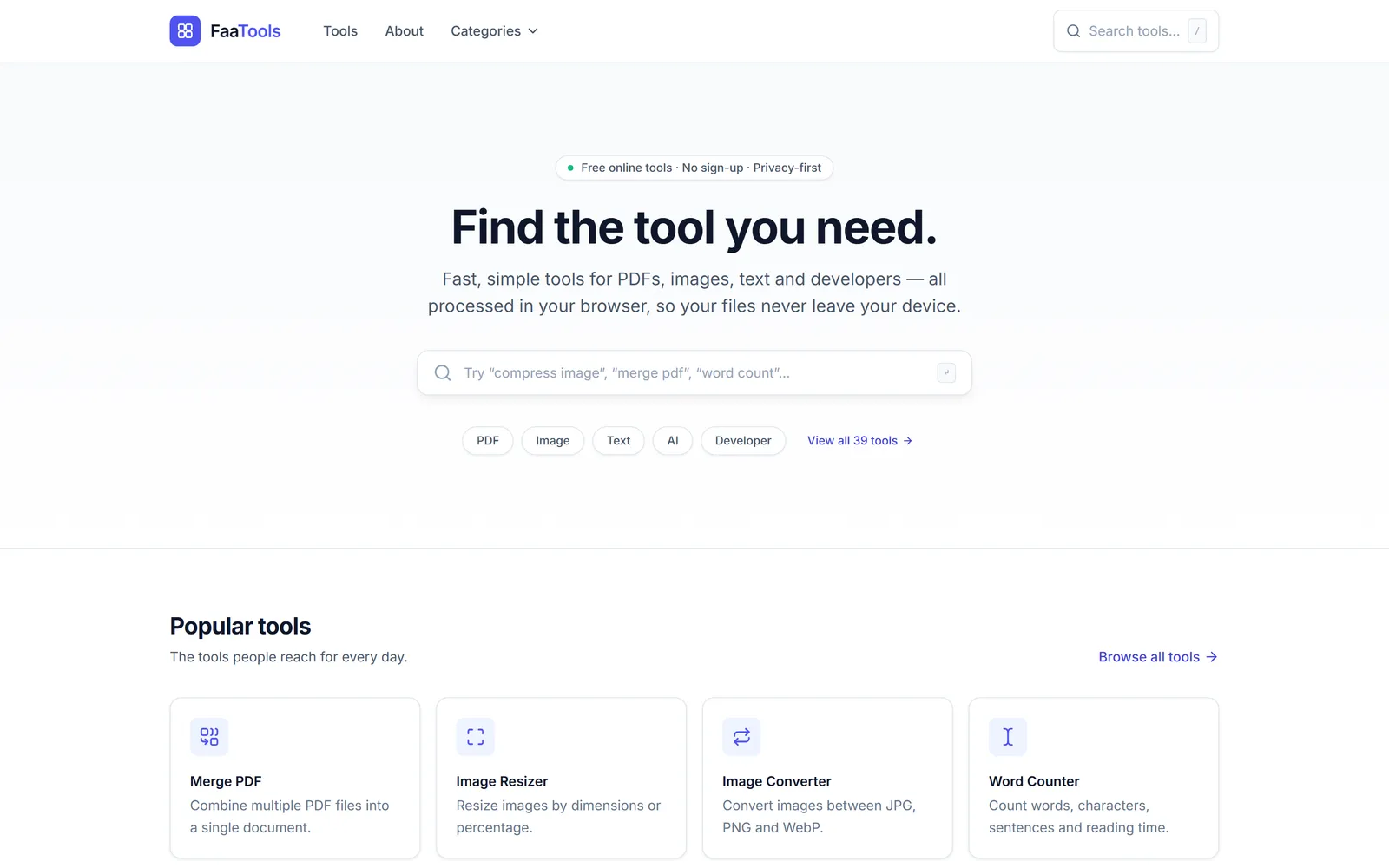
Most free online tools upload your files to a server you know nothing about. I wanted a tools site that keeps files on the visitor's own device, loads fast, and can grow from a handful of tools to more than a hundred without every new tool needing its own layout, SEO setup and navigation.
02
I own the product: the idea, the structure, the interface and the build, developed with AI-assisted coding.
03
- Privacy by design. PDF, image and text processing runs in the browser. There is no account system, no database and no file storage on the server.
- One registry, every page. Each tool is a single entry of structured data (name, category, keywords, privacy notes, SEO and related tools) that generates its page, metadata and internal links.
- Only load what is used. Each tool's code loads on its own page, so the shared JavaScript stays small.
- Automated releases. Every change is linted, type-checked and built on GitHub, then deployed with health checks and automatic rollback.
04
- Tool registry and information architecture.
- Interface design with reusable tool workspaces.
- In-browser PDF tools: merge, compress, convert to images, edit and password-protect.
- Technical SEO: canonical URLs, Open Graph, sitemap and robots files.
- A deployment pipeline to shared hosting with rollback.
05
- Live at faatools.com with 39 tools.
- Files for PDF, image and text tools never leave the visitor's device.
- Adding a tool means adding one registry entry and its workspace.
- [RESULT: e.g. monthly visitors or most-used tools]
06
- Next.js
- React
- TypeScript
- Tailwind CSS
- pdf-lib
- pdf.js
- GitHub Actions
- Namecheap cPanel
Next case study
A teleprompter camera app for creators and a set of AI-powered workflows that take repetitive work out of content and operations.